01
Pick the apps
Instagram, YouTube, ShareChat or any app on your phone. DoomPause shows the ones you have installed.
InstagramYouTubeShareChat
Pick the apps that pull you in and set a limit. When it runs out, DoomPause stops the feed with a photo that matters to you, a short fact, and seven seconds to decide.
Put the phone down. Text someone who stayed.
Instagram, YouTube, ShareChat or any app on your phone. DoomPause shows the ones you have installed.
5, 15, 30 or 60 minutes in those apps before the pause. Then choose how long they stay paused.
Your photo fills the screen with a short fact and a 7-second countdown. Then you decide: put the phone down, or keep going.
Pick any photo from your gallery. It stays on your phone and is never uploaded.
Or a custom 1 to 23 hours. The apps stay paused until it ends.
How often you put the phone down, which app pulls you most, and your busiest hours.
Turn off usage stats sharing in Profile anytime. Sign out and everything on the phone is cleared.
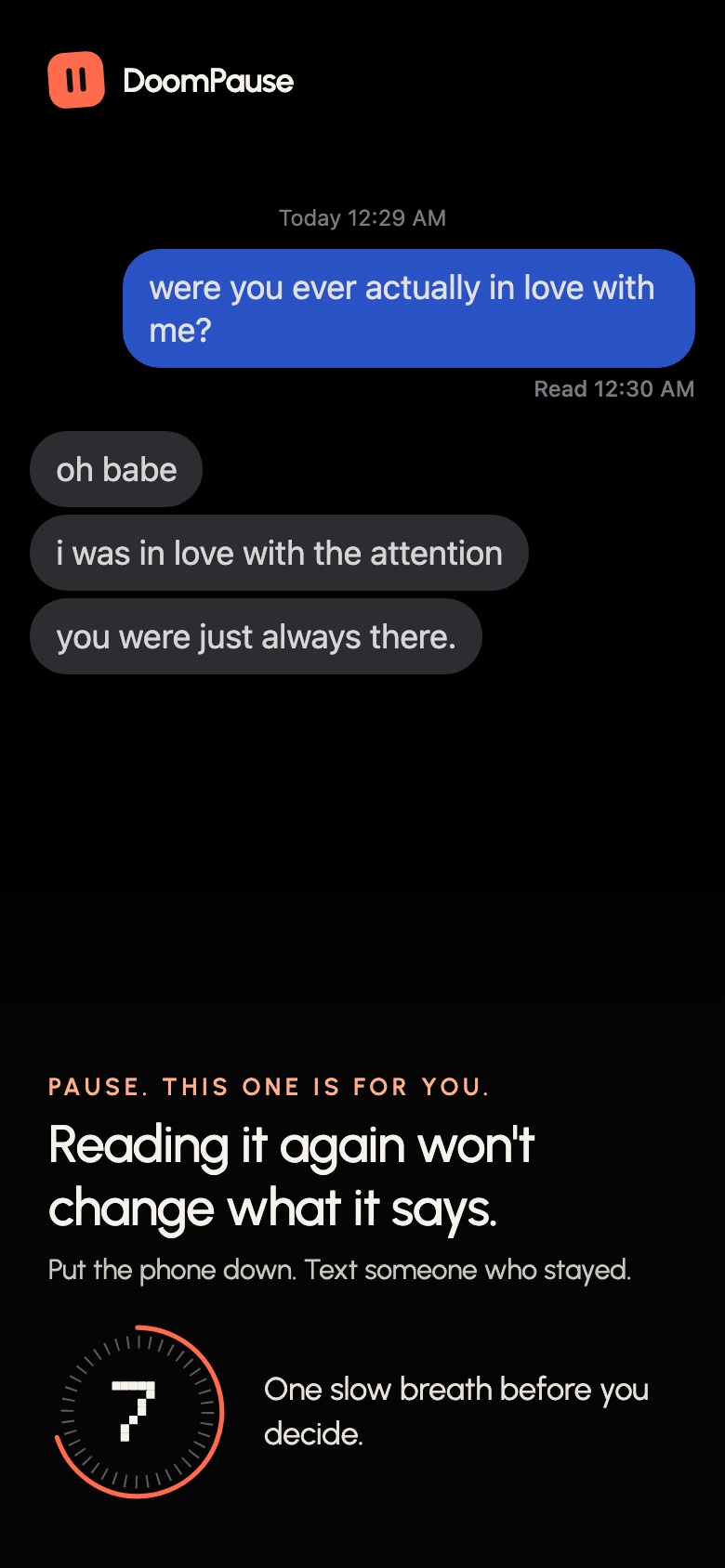
Your screenshot stops the feed
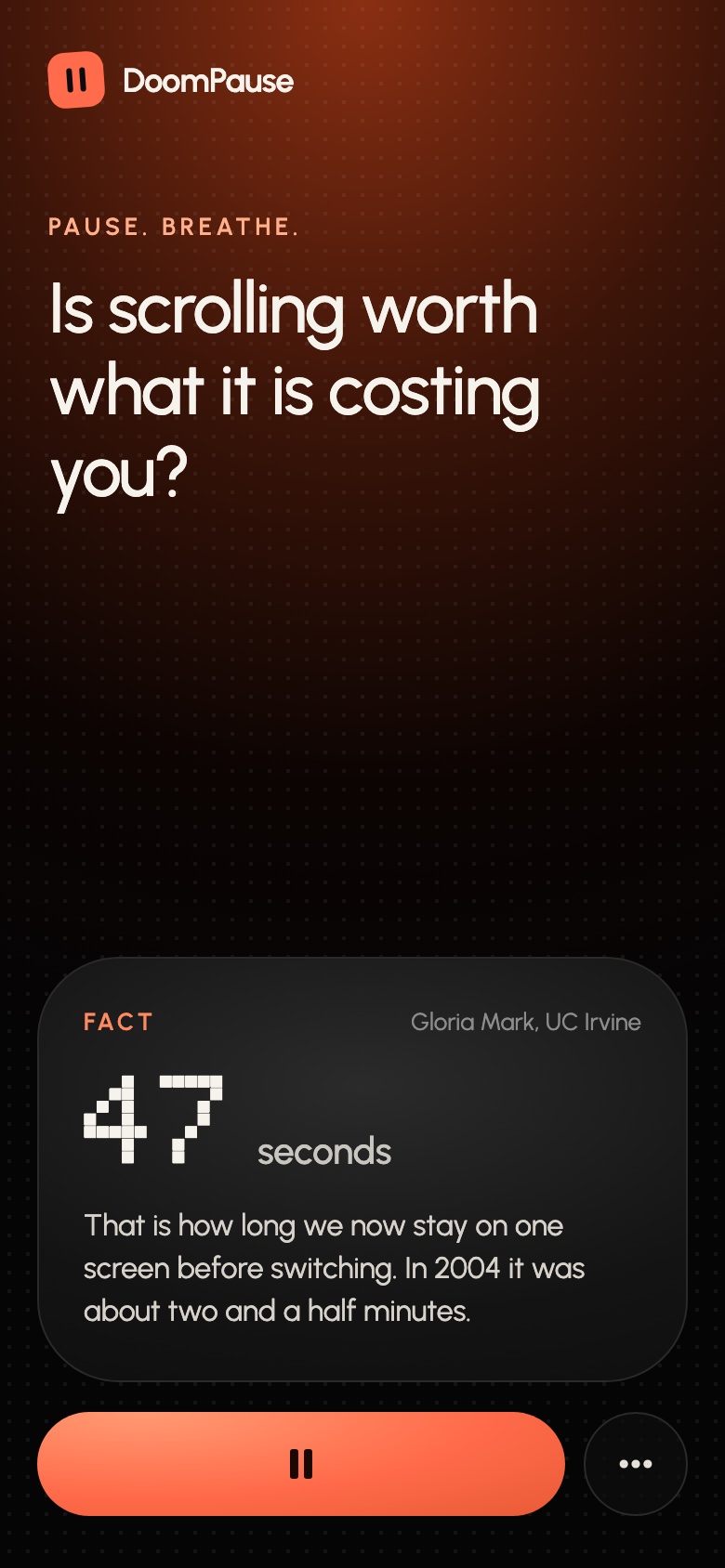
A fact, then your choice
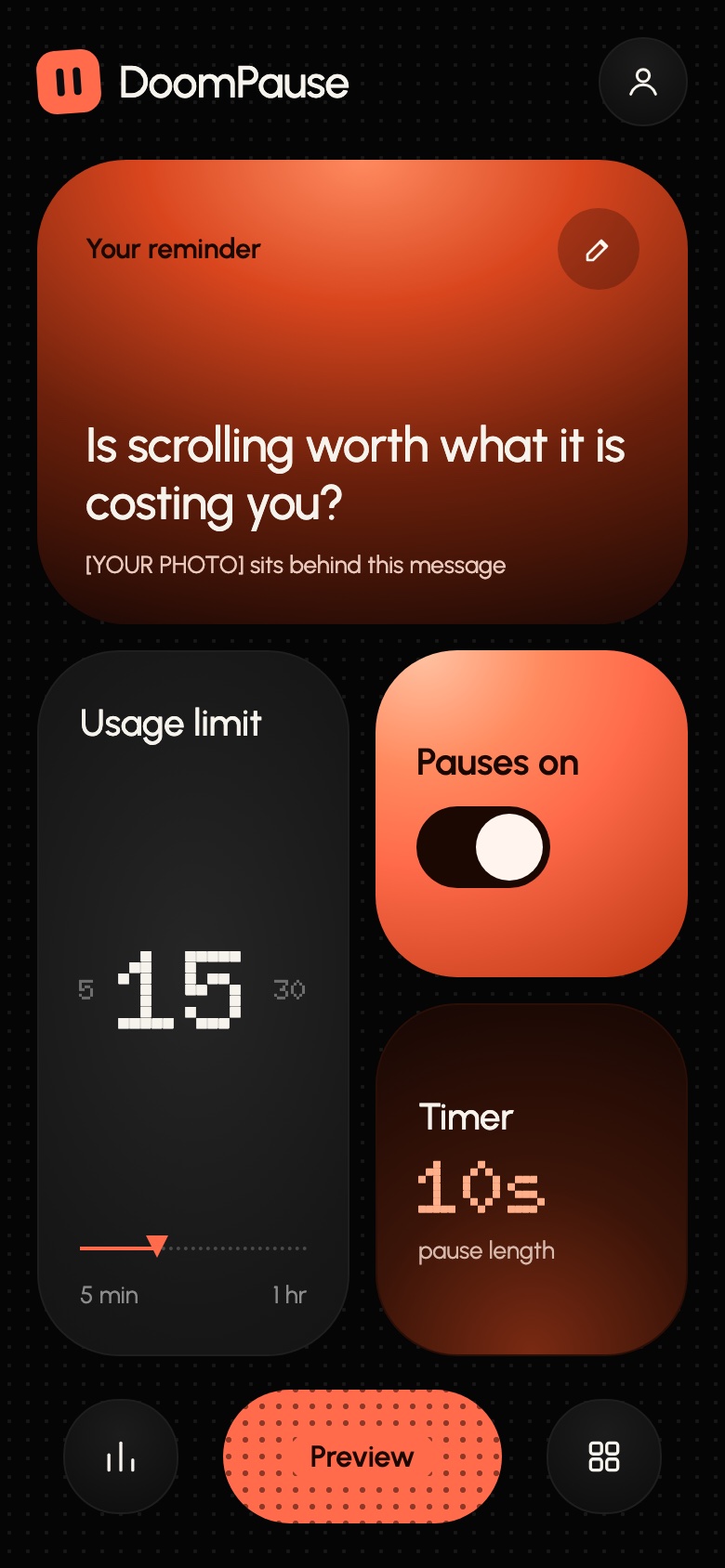
Limit and timer at a glance
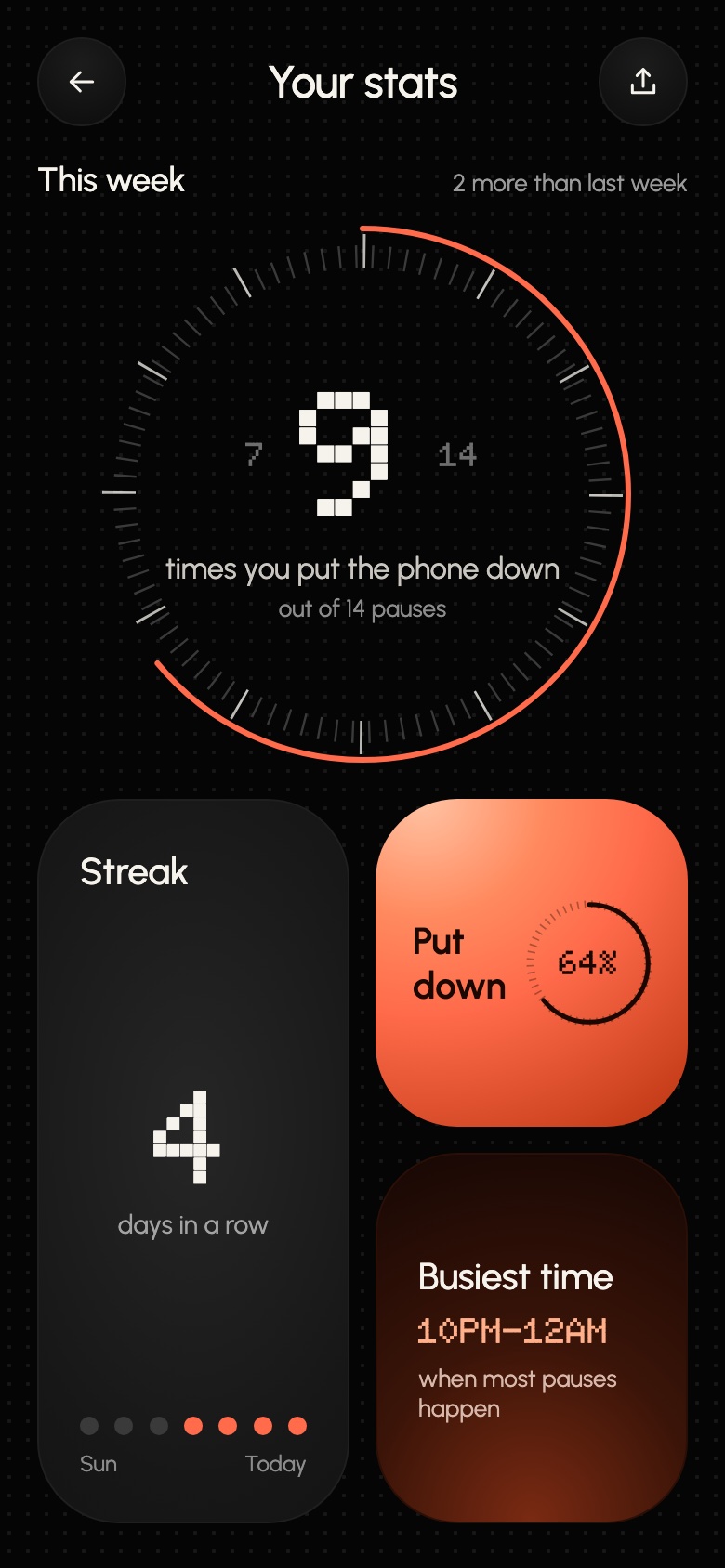
Your week, streak and busiest time
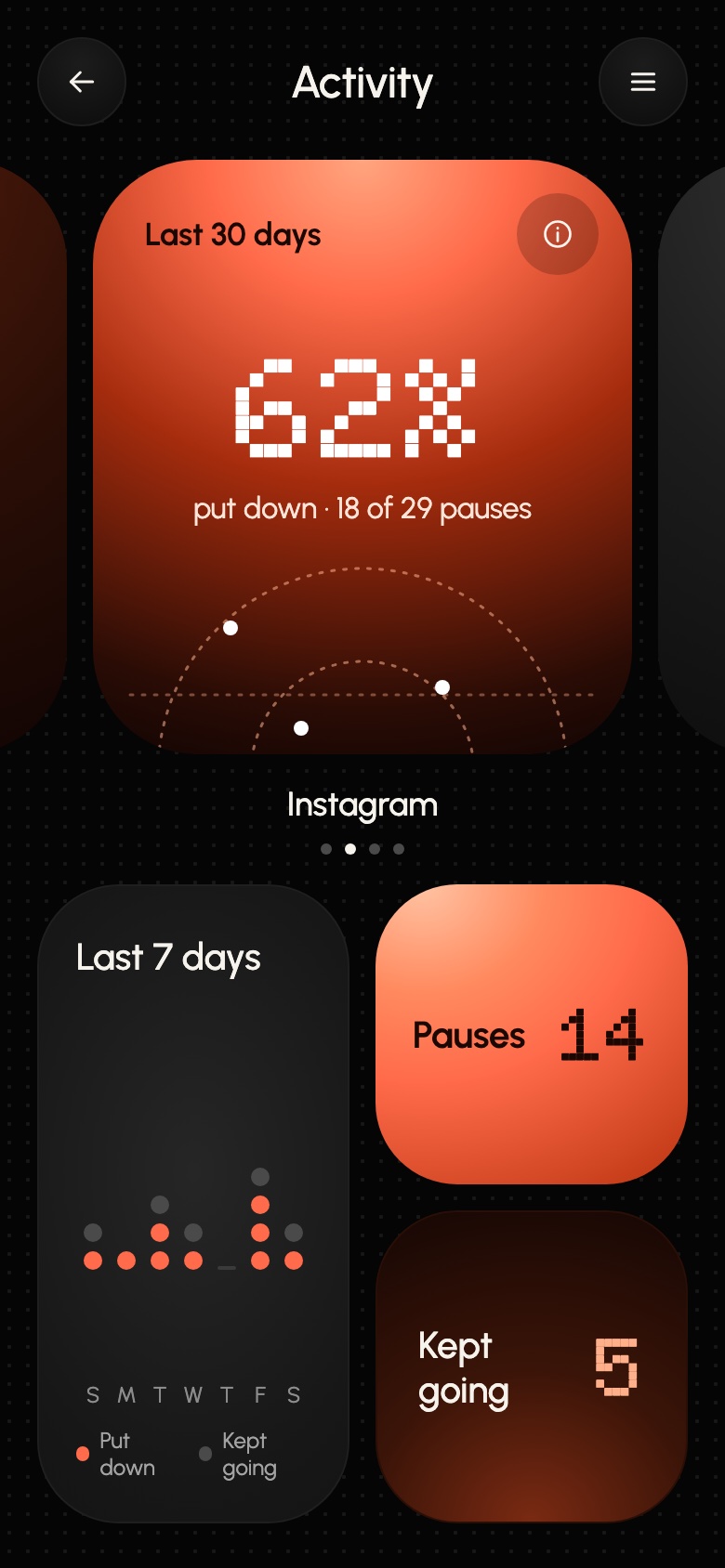
Which app pulls you most
No. The photo you pick stays on your phone. We only keep your account, subscription and pause stats, and you can turn stats off.
DoomPause is on Android today. [IPHONE TIMING]
To see which app is on screen and count your minutes in the apps you picked. That is how it knows when to pause.
From Subscriptions in the Google Play app, anytime.
Set up your first pause tonight.